

What Should You Do With Newsletters You Never Read?(Unsubscribe, Don't Archive)
A "read it later" folder is where email goes to die. Here is what to actually do with the newsletters you never open.
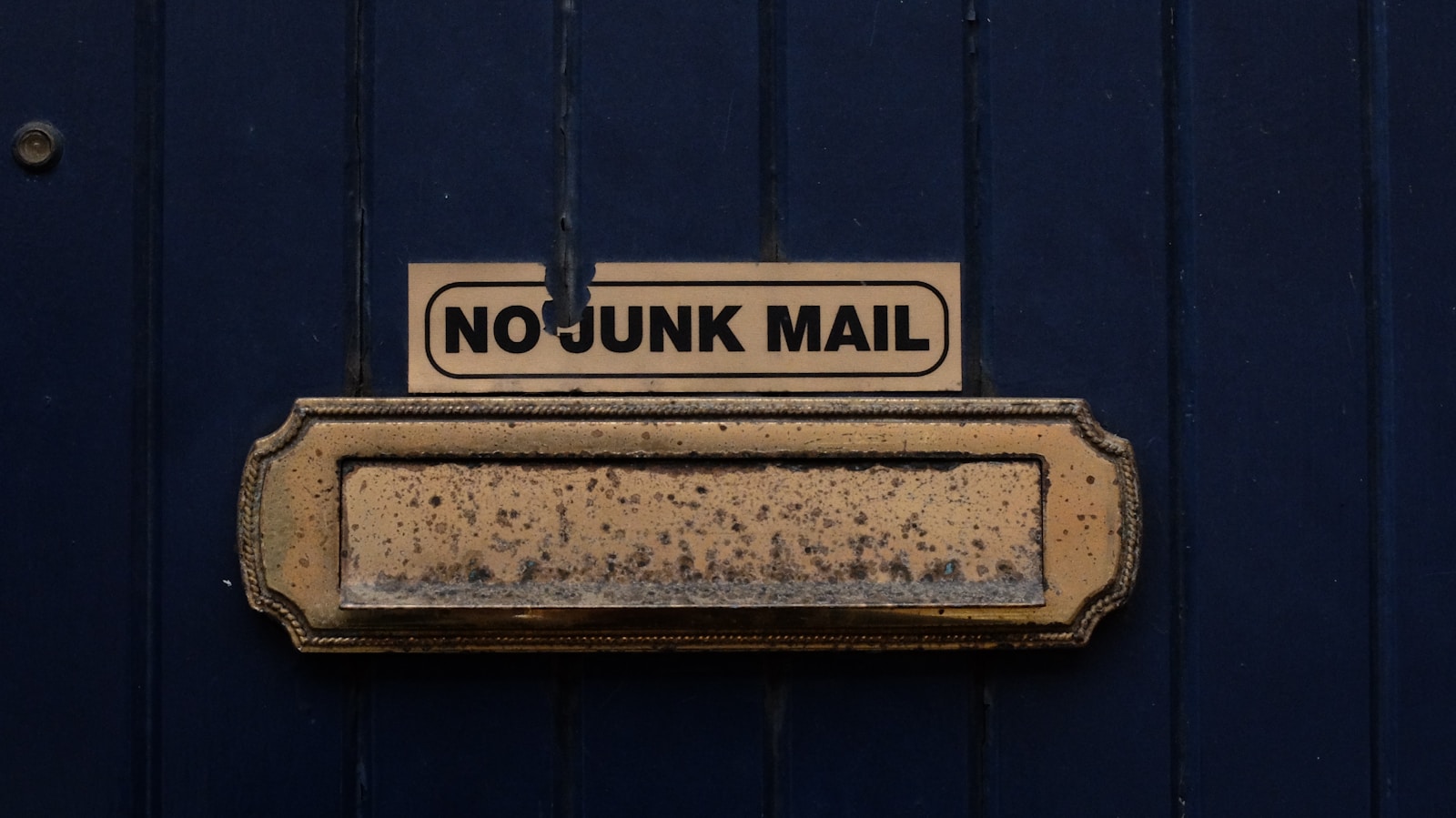
Short answer: unsubscribe. Not archive, not a "read it later" folder you'll never open, unsubscribe. Then clear out the ones already piled up, because free inbox storage is quietly getting scarcer and newsletters are the easiest thing to cut.
Everyone has a version of the same newsletter graveyard. You signed up for a discount two years ago, or a founder you admire started a Substack, or a tool you tried once decided you were now on its "product updates" list. Most of them you haven't opened in months. And yet there they are, arriving every morning, and every morning you scroll past them.
The "Read It Later" Folder Is Where Email Goes to Die
The tempting move is to make a folder, call it "Read Later" or "Newsletters," and sweep everything into it with a clear conscience. You're not deleting it, so you're not missing out. You'll get to it on a quiet Sunday.
You won't, and deep down you know it. If you didn't read it the moment it arrived, when it was fresh and the subject line still tempted you, you are not going to read it three weeks later buried under four hundred others. In practice, a read-it-later folder becomes a place to store guilt, not a reading list. Better to admit the pattern and act on it.
Unsubscribe Beats Archive
Archiving deals with one email. Unsubscribing deals with every future one. When you archive a newsletter you don't read, you've done a tiny bit of work and left the faucet running, so the identical email shows up again next week and you do the same tiny bit of work forever. Two clicks to unsubscribe today saves you that chore every week from here on.
The mental block is the same one behind every avoidance habit: unsubscribing feels final, like you might miss something. You rarely will. If a newsletter is worth reading, you'll notice its absence and resubscribe in ten seconds. You almost never will, and that tells you everything about whether it earned the inbox space.
And Now There's a Storage Clock Ticking
For twenty years, Gmail's free storage felt effectively infinite, so nobody worried about a few thousand unread newsletters. That assumption is starting to crack. Google is testing a new policy where some new accounts in certain regions start with 5GB instead of the usual 15GB, and only get the full amount back if they add a phone number. It's a test, not a universal change, and existing accounts aren't affected today. But the direction is clear enough, and the reaction on Reddit was blunt, with commenters calling it "bribery for your data."
Free storage is turning into a lever companies can pull, so treating your inbox as a bottomless pit is a worse bet than it used to be. Newsletters, with their images and tracking pixels and daily cadence, are some of the heaviest and most disposable mail you get. They're the first thing to cut. If you want the fuller argument for staying lean, we made it in why bother clearing your inbox.
The Two-Minute Cleanup
Here's where sorting pays off. When Tiko Mail labels every incoming email, all the promotional mail and newsletters land in their own Marketing and Newsletter buckets instead of scattering through your inbox. So the cleanup is easy. Open those folders, scan for anything you actually want, select the rest, and delete. A backlog that felt overwhelming when it was mixed in with everything else takes about two minutes once it's grouped in one place. Do it once a week and the graveyard never fills back up. And for anything you never read, hit unsubscribe on the way out.
RelatedHow to Stop Cold Emails from Burying Your Real Work(And Why AI Made the Problem 10x Worse)RelatedHow to Mark All Gmail as Read(And Why It Doesn't Actually Fix Your Inbox)Your Choice
Option 1: Sweep It Into a Folder
Move the newsletters you never read into a "read later" folder, feel briefly organized, and watch it fill back up by next week while your storage keeps shrinking.
Option 2: Group It and Clear ItRecommended
Tiko labels every newsletter and promo automatically, so they collect in one place. Clear the whole pile in a couple of minutes, then unsubscribe from the ones you never open.
- ✓ Newsletters and marketing auto-labeled
- ✓ Bulk cleanup in about two minutes
- ✓ Works inside Gmail and Outlook
Free trial. No credit card required.